
Large-screen viewing
Use your playlists comfortably on a laptop or Windows desktop display.
Windows IPTV player
A clean, fast Windows player for your authorized M3U playlists and Xtream Codes. Enjoy Live TV, movies and web series on a larger screen.
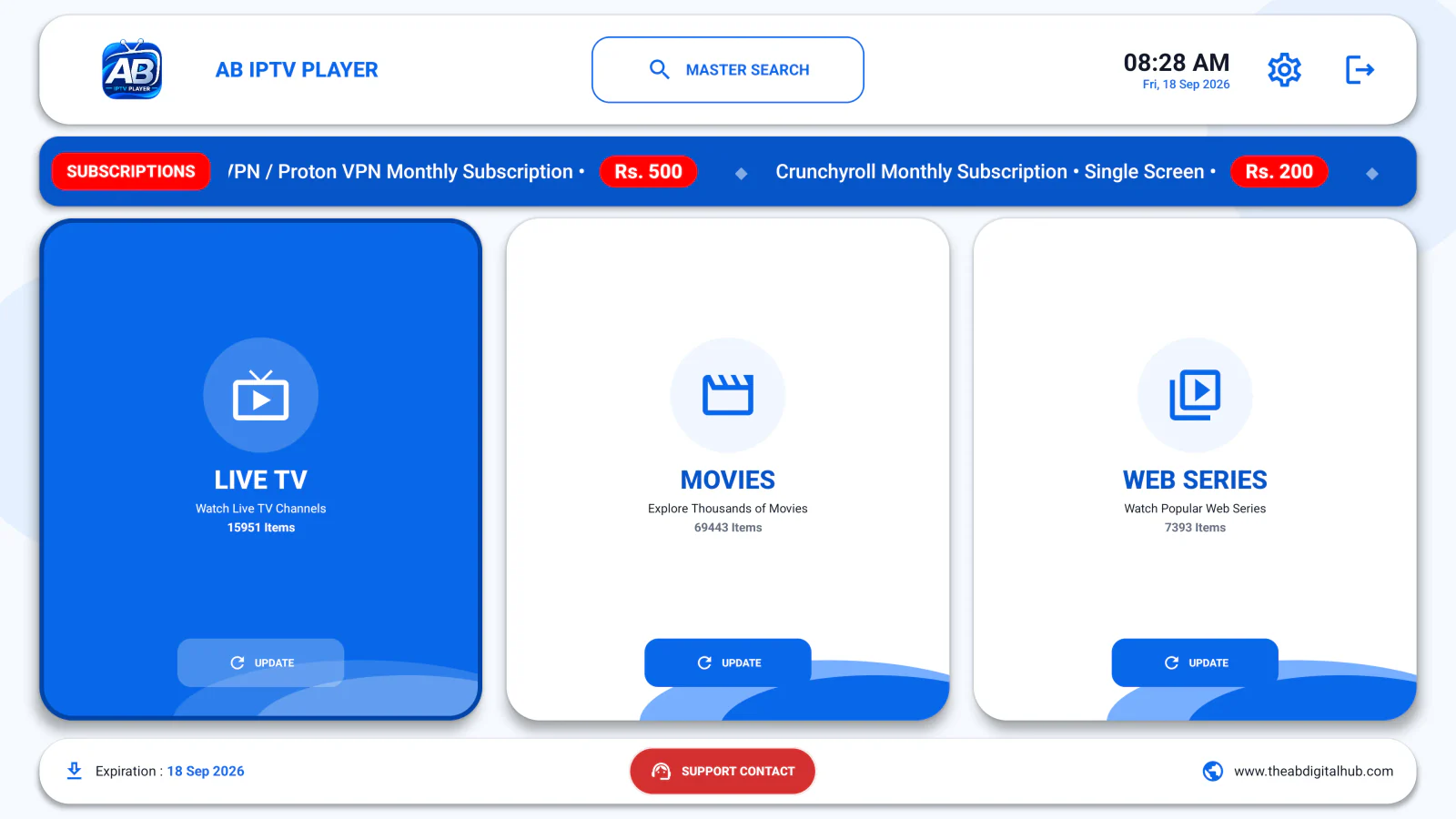
Built for the big screen
Use your playlists comfortably on a laptop or Windows desktop display.
Add authorized M3U playlists or Xtream Codes details from your provider.
Download the official installer, follow the setup steps and start playing.
Quick setup
Use the Windows download button above to get the official EXE installer.
Open the installer and follow the on-screen setup instructions.
Launch the player and add your authorized playlist or Xtream Codes details.
Responsible use
AB IPTV Player is a media player only. It does not provide channels, playlists or subscriptions. Use it only with content and services you are authorized to access.